Work productively with eM Client
Get the secure email program for Windows and Mac that is perfectly suited for business use.
This versatile email client offers powerful features to simplify your email tasks wherever you are.

Discover the features of eM Client
Streamline your workflow, send your emails encrypted, keep all tasks and events at a glance, and manage your contacts—with the award-winning and secure email service eM Client.
Effective email service
eM Client is a versatile email client that supports a wide range of email technologies, including POP3, SMTP, IMAP, Exchange, and Microsoft 365.
Message encryption
Snooze incoming messages
Tracking
Email translation
Send later
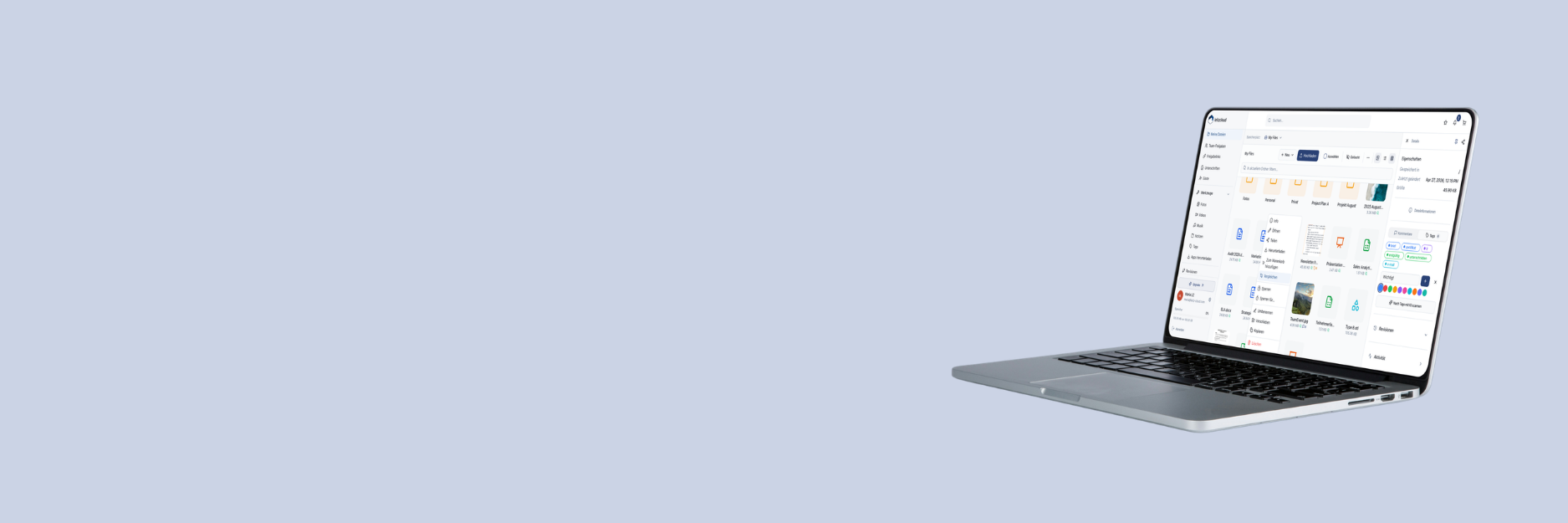
leitzcloud integration


Calendar, tasks, lists, and more
With eM Client’s versatile email service, you also have a direct overview of upcoming events, tasks, and more. Simply sync your calendar and conveniently optimize your workflow with eM Client.
Advanced task management
Daily task list
Reminders
Online meetings
Notes
Versatility
Work with email, calendar, notes, chats, lists, and contacts in a single interface.
Integration options
Straightforward integration of additional email services such as Microsoft 365, Google Workplace, Exchange, etc.
Easy migration
eM Client enables easy and seamless integration of your emails from most email services.
Ultimate workflow
The sidebar gives you quick access to chat, calendar, and attachment and communication history.
New: Your comprehensive, secure all-in-one email solution for your business, fully hosted in Germany
Premium Services
Combine eM Client with leitzcloud!
Use leitzcloud with eM Client and get the most out of cloud storage and your email service. Streamline your workflow now!
Reduce local email attachments!
Use leitzcloud as your cloud storage in eM Client. Attach files as links instead of attachments when sending emails. The file size is determined by the capacity of your cloud storage.
Stay in control of the data in your leitzcloud!
Upload attachments from emails directly to your leitzcloud. Attachments from the cloud are displayed as normal attachments, and you can also set expiration dates for each attachment.

Send email attachments as a link with leitzcloud

Select leitzcloud
Click the attachment icon as if you were adding an attachment as usual. Then go to your leitzcloud sync folder and select the file you would like to send.
Confirm selection
A window opens asking whether you would like to send the file as a share link with leitzcloud. Note: Here you can also set whether sending files from leitzcloud as a link should be saved as the default.


Send file as a share link
When you attach a file from your leitzcloud for the first time, you will first be prompted to enter your leitzcloud login details. The file is then attached to your email as a share link and can now be sent easily.
Discover leitzcloud for your eM Client!