
Password Security Online:
Tips for Strong Passwords
In an increasingly digitalized world, the protection of our personal data is of utmost importance. Especially in the age of the internet, where cyber threats are ubiquitous, the security of our online accounts and data is essential. A crucial component of this security is the selection and management of secure passwords.
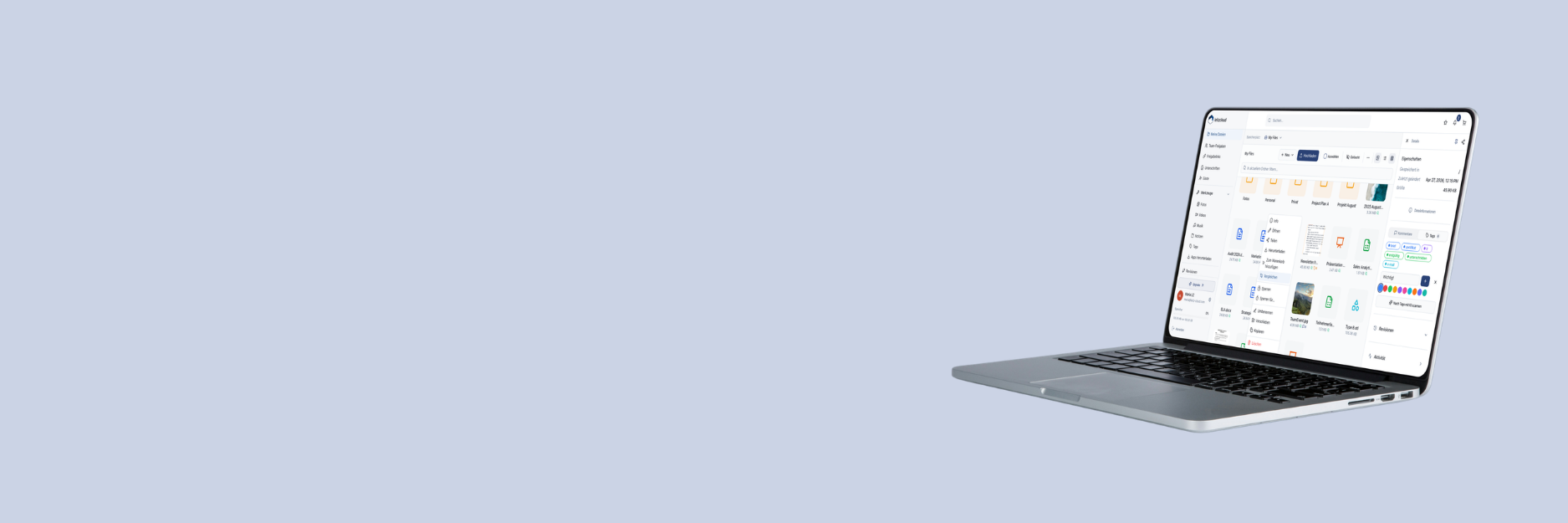
leitzcloud is aware of this importance and offers its users a secure and reliable platform for storing and sharing files. Our platform complies with the highest security standards and is GDPR-compliant, meaning your data is protected and secure at all times.
Here are some tips on how to better protect your data by using strong passwords:
1. Length and Complexity:
Choose passwords that are at least eight characters long and contain a combination of uppercase and lowercase letters, numbers, and special characters. Avoid simple and easy-to-guess passwords like “123456” or “password.”
2. Uniqueness:
Use a unique password for each account. This ensures that compromising one account does not affect other accounts.
3. Two-Factor Authentication (2FA):
Using an additional authentication factor further enhances the security of your account. Also, activate two-factor authentication for your account in leitzcloud.
4. Password Manager:
Use a password manager to generate and manage strong and unique passwords. A password manager makes it easier to securely store your passwords and automatically fill them in when needed.
5. Regular Updates:
Change your passwords regularly to ensure security. Remember to review and update old passwords to ensure they are still secure.
| Don’ts | Do’s |
| No default passwords: Avoid simple passwords like “123456” or “password.” No personal info: Do not use personal information such as birthdays or pet names. No recycling: Never use the same password for multiple accounts. | Creative passphrases: Think outside the box and create passphrases that are personal and memorable. Length is key: The longer your password, the better. Don’t think eight characters, think 20! Two-Factor Authentication (2FA): Activate two-factor authentication for additional layers of security. |
Sources:
Federal Office for Information Security: Creating Secure Passwords
Discover more!
Browse the diverse features of leitzcloud and find the right solution for your business needs! Need help deciding? Do not hesitate to contact us!
All leitzcloud features
From A for Activity Log to Z for Two-Factor Authentication
Test leitzcloud for free
Create a trial account and try it for yourself.
Contact our support
We are happy to assist you with any questions.