
Store Data – Store, Upload, and Share Data Quickly, Securely, and Simply
Storing and using data in the cloud has never been easier. Instead of using physical media like a USB stick or a hard drive to store data, as was done in the past, data can now be uploaded with just a few clicks.
Storing data in the cloud offers numerous advantages, such as multiple backups. Hard drives can fail, and USB sticks can get lost. Digital data storage, however, is accessible worldwide at any time.
To retrieve data, you no longer need to transfer it from your computer to a micro-SD card or connect your smartphone. Instead, data is stored in the cloud. Files can be uploaded and downloaded with just a few clicks.
All you need is an internet connection, access to the cloud, and a suitable device.
Save time: time for data transfer, time searching for a USB stick, and time finding data. Instead, work simply, quickly, securely, and effectively.
This article explains how data storage in the cloud works. We also inform you about what you need to consider.
1. Storing Data in the Cloud – Why Does It Make Sense?
2. Storing Data Encrypted in the Cloud – Play It Safe
3. Storing Data Securely in the Cloud – Explained Step by Step
4. Storing Data in the Cloud – What You Should Pay Attention To
We focus on storing data encrypted in the cloud – because only in this way are your documents in safe hands and protected from third-party access.
Storing Data in the Cloud – Why Does It Make Sense?
Anyone who wants to store their data in the cloud can benefit from numerous advantages. The web editor not only allows for secure storage of data but also its editing.
Some of these services include:
- Compatibility with Word, Excel, and PowerPoint
- Automatic saving in Office mode
- Free to share with an unlimited number of guest users
- Adding multiple authors and editors
- Restoring changes
- Extensive functionality for document design
- No maximum file sizes
- No bandwidth limit
In addition to these functions, there are further services and benefits that you gain from storing data with cloud solutions:
- Security, because with the right provider, data is stored on German servers with high security standards. This creates the basis for GDPR-compliant work.
- Security II, as a backup can be created or remote deletion can be performed if a device is lost.
- Time savings, because instead of cumbersome document transfers from a computer to a tablet or smartphone, data can be conveniently accessed with just a few clicks.
- Teamwork, thanks to TeamShares, documents can be worked on effectively and clearly with many users worldwide.
Cloud Storage – Whether in the Home Office or Office
Whether in the office or home office, professional and effective work is possible from anywhere if you store your data in the cloud. The online editing of our leitzcloud, with its web editor, provides a user-friendly Office suite. With this, you and your company can collaborate online simply and easily.
Storing data in the cloud is possible with any operating system. Whether Microsoft or Apple, our solution gives you access to your data from any device.
After storing data in the cloud, the question of access rights arises: Grant individual access to your documents for your team. You determine the selection of people and the duration of access.
Try out features
Create a free trial account now and enjoy the full functionality of leitzcloud!
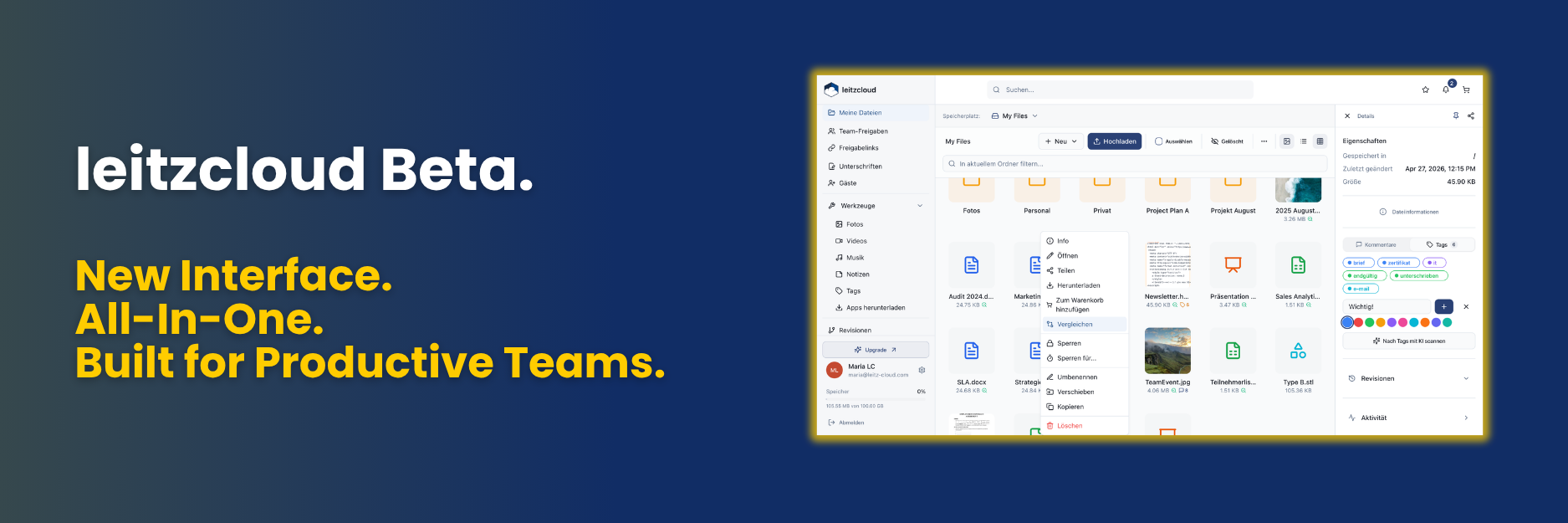
The process of storing data in the cloud is intuitive. With one click, you can create new documents, upload or download them, and save them.
“And what do I do with my old Word documents?” you might ask. This is also not a problem: you can securely store the data in the cloud and continue editing it with our online editor.
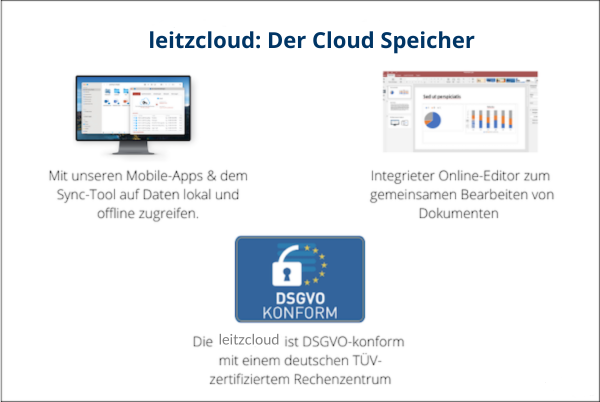
The Office functions can also be used offline. Our sync tool automatically updates changes as soon as an internet connection is established.
Cloud Storage – Simplifies Teamwork
When storing data in the cloud, teamwork can be taken to a new level. You, your team, and external partners can create and share unlimited documents.
Texts, Excel files, and presentations can be collaboratively edited in TeamShares. This way, everyone benefits from colleagues’ expertise and can react immediately to changes.
The fast and simple processes increase the motivation and productivity of the entire team and lead to better results.
As an administrator, you have various governance management options when storing data in the cloud. For example, you can…
- Distribute access rights to your team
- Keep track of document revisions
- Review activities in the cloud (downloads, views, etc.)
- Create organizational policies
- Work GDPR-compliant
Speaking of data protection, let’s address an important topic when storing data with cloud solutions: security:
Storing Data Encrypted in the Cloud – Play It Safe
Privacy and security are paramount. Storing data encrypted in the cloud is therefore one of our numerous security measures.
At leitzcloud, we use modern AES-256-bit encryption for data storage in the cloud. This is also used for all data transfers. For communication with our servers, we use SSL encryption.
We keep our promise
Data protection and security are important to us.
Therefore, you can easily read how we protect your data.
Just look around our website!
Our servers are located in Germany. Our highly secure data center is multiple TÜV-certified. In addition, we are one hundred percent GDPR compliant and protect your data according to the strictest data protection law worldwide.
In addition to our high security standard, you can actively contribute to making data storage in the cloud even more secure:
- Activating two-factor authentication automatically sets up an additional security barrier. This must be confirmed via email, SMS, or an authentication app during login.
- As an administrator, you can set a continuous password change for all users. This regular change takes little time but has a great impact on secure data storage in the cloud.
- After a ransomware attack, we offer functions to restore deleted or damaged data to the desired state.
- Through remote deletion, you can delete all synchronized data on a device and disconnect its connection to the cloud. In case of theft or loss, this prevents sensitive data from falling into the wrong hands.
leitzcloud offers a sustainable and highly secure data center in Frankfurt, equipped with the most modern technology.
Strict security measures protect your data: Our security personnel are on duty 24/7 in our security-certified business park. Physically, it is protected by a fence, the data center including the data hall, and a data cage. Our data center has the following certifications:
- TÜV “Audited Data Center”
- TÜV “Certified Management System”
- ISO 27001:2013
- ISAE 3402
- ÖkoPLUS criteria
“That sounds good, but how does leitzcloud use my data?” you might now object. We guarantee that your data will neither be viewed without permission nor analyzed and evaluated.
You can securely store your data in the cloud and retain all copyrights to the content. As the owner, you remain in possession of all information, which we do not view or pass on to third parties.
Storing Data Securely in the Cloud – Explained Step by Step
To make your first steps in storing data in the cloud easier, we explain the process step by step:
- Log in to leitzcloud.
- Complete two-factor authentication.
- Select “My Files” in the left column.
- Select “Upload File(s)” in the center field.
Cloud Storage: via Search and Selection
5. Click the gray “Add Files” button at the bottom. A new window will open, displaying the device’s files.
6. Select the folder containing the file.
7. Click on the file.
8. Click “Open”.
9. Back in the cloud, the file will now be displayed. You can either “Add more files” or click the green “Start Upload” button.
Cloud Storage: via Drag-and-Drop
5. In another window, select the desired file.
6. Drag the file with the mouse pointer held down to “Drag files here”.
7. The file will now be displayed in the cloud.
8. Either drag more data into the field or:
9. Click the green “Start Upload” button.
Depending on your preference, data storage in the cloud can be done via search or drag-and-drop. Both options have their advantages and disadvantages.
Upload documents to the cloud
Set up a trial account and find out for yourself
how easy our leitzcloud is to use.
Storing Data in the Cloud – What You Should Pay Attention To
To securely store your data in the cloud, here are some tips:
- Different data protection regulations apply depending on the server location. If the servers are in Germany, you know the legal basis and regulations.
- Check your account’s default settings before you start storing data in the cloud. This way, you can see who has access and change it if necessary.
- A look at the General Terms and Conditions will inform you about how important data protection is to the cloud provider.
- By setting up Zero-Knowledge Privacy, your data cannot be viewed by anyone but you.
- Private cloud providers operate the infrastructure exclusively for the respective company and grant access to content only to authorized persons.
- Compliance with all requirements ensures GDPR conformity.
Storing in the Cloud – A Conclusion
In general, storing data in the cloud will replace old methods. The process is simple, fast, straightforward, and with the right provider, also secure.
Instead of losing a USB stick or a hard drive, your data is well-kept and securely stored online in our data center. Thanks to storage according to German standards, you have the safest protection worldwide. And you can trust in copyright and privacy.
However, the real advantage goes beyond merely storing data in the cloud – collaborative editing with your team is another benefit.
Instead of a mess of memory sticks, folders, or documents, you can now work cleanly on a file via Team Share and save it securely with backups.
Collaboration can be organized worldwide. Processes can be developed at different locations and merged in the cloud.
Guest accounts can be set up without limit. And when storing data in the cloud, you will encounter neither maximum allowed file sizes nor bandwidth restrictions.
Once online, documents can be easily edited from any device. Intelligent corporate governance functions provide you with an overview and allow for changes and remote deletions if necessary.
Try it now
See for yourself the diverse functions of online editing
of our web editor and the cloud.
You are welcome to test data storage in the cloud free of charge for fourteen days
and examine our services.